
INTERACTIVE TRUST CENTER

Accelerate Deals With Proof, 
Not Promises

Deliver instant, evidence-backed answers buyers trust.

Book a Demo
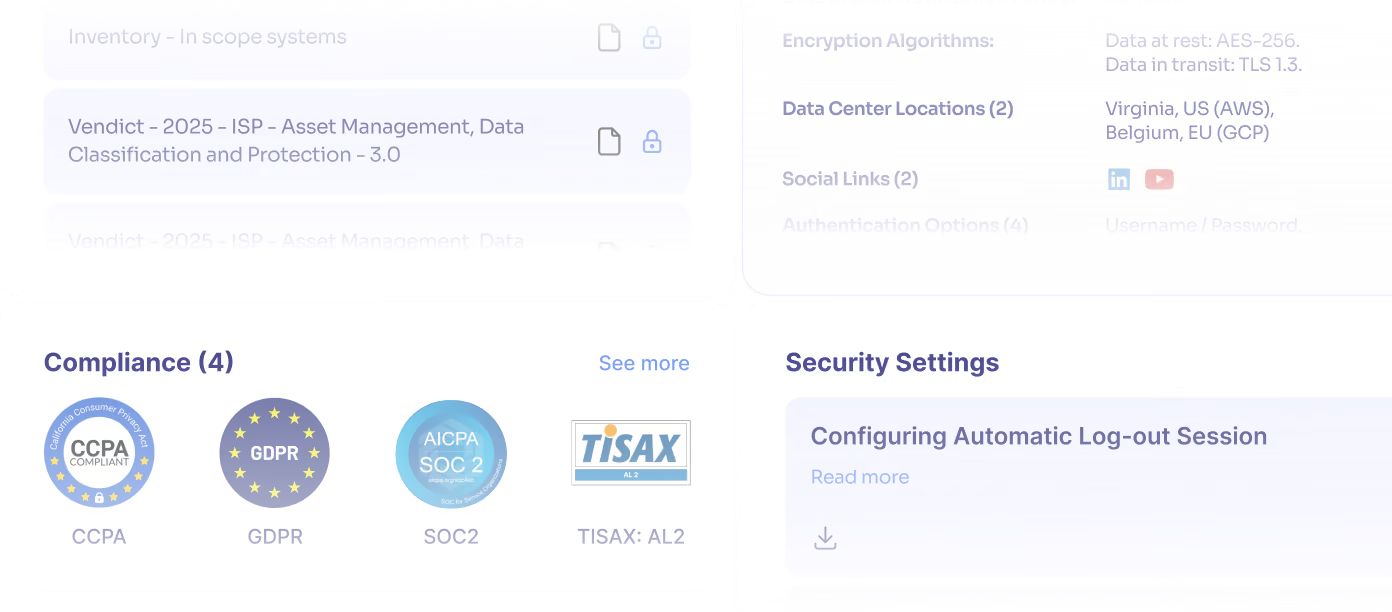
Vindict Trust Center webpage showing data protection overview with About Vindict text, compliance badges for CCPA, GDPR, SOC 2, and navigation menu with Overview, Compliance, Documents, Customers, and Access Account button.
A search bar for the trust center
Search button for the trust center

The Future of Trust Management Starts Here

What makes Vendict different:
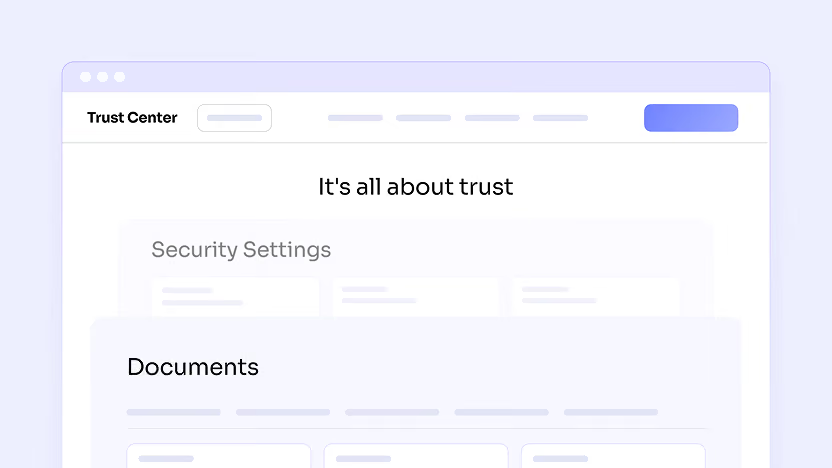
User interface of a Trust Center webpage showing sections titled 'Security Settings' and 'Documents' against a light purple background.

An interactive, collaborative workspace

Security information is presented as a dynamic, interactive experience rather than a static repository of uploaded files.
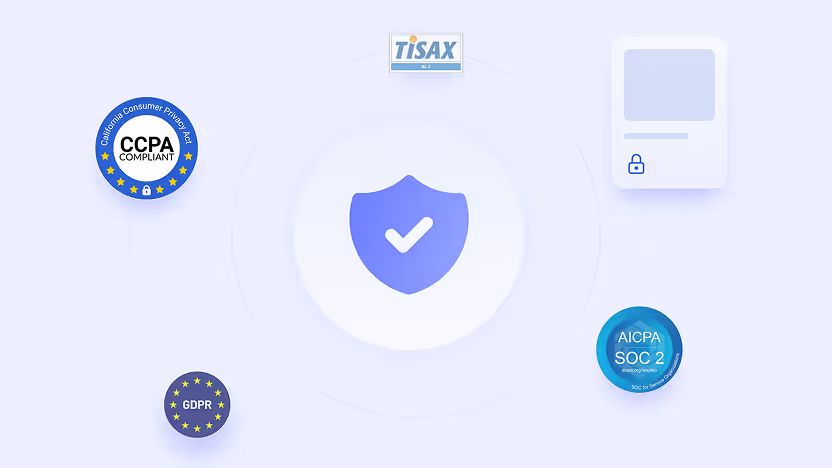
Illustration showing a central shield with a checkmark surrounded by compliance badges for CCPA, GDPR, TISAX, and AICPA SOC 2, symbolizing data security and privacy standards.

Frictionless trust, on demand

Security and compliance documentation, certifications, and supporting evidence remain current, governed, and instantly accessible. No delays, no repetitive 
follow-ups.

A stylized checklist form with three checkboxes, the first one checked, and a blue submit button below.

Self-serve security validation

When buyers require deeper assurance, they can upload security questionnaires directly into the Trust Center and receive evidence-based responses in context, without manual exchanges or email back-and-forth.
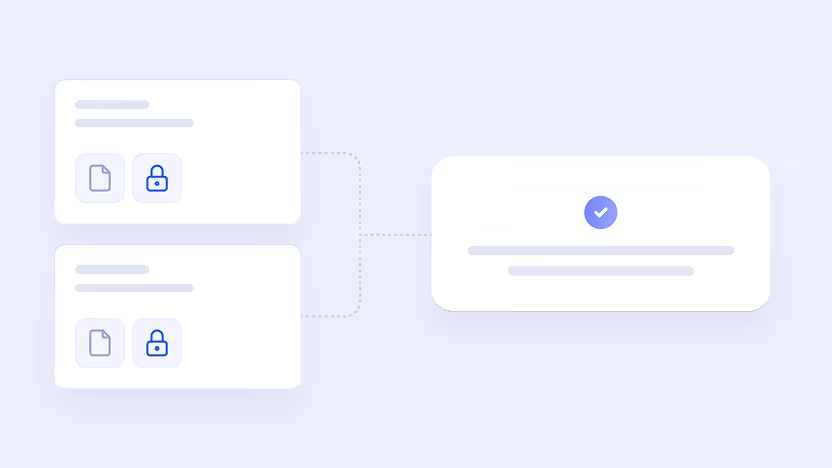
Diagram with two white rounded rectangles on the left containing file and lock icons connected by dotted lines to a larger rectangle on the right with a blue checkmark icon above two lines of text.

Built-in source traceability

Every security response links directly to its underlying documentation, allowing stakeholders to verify claims instead of relying on assumption.

Central eye icon surrounded by four user icons with dollar signs, all arranged in circular orbits on a light blue background.

Real-time buyer insight

Authenticated access to sensitive materials reveals who is evaluating your security posture and which information they are reviewing.
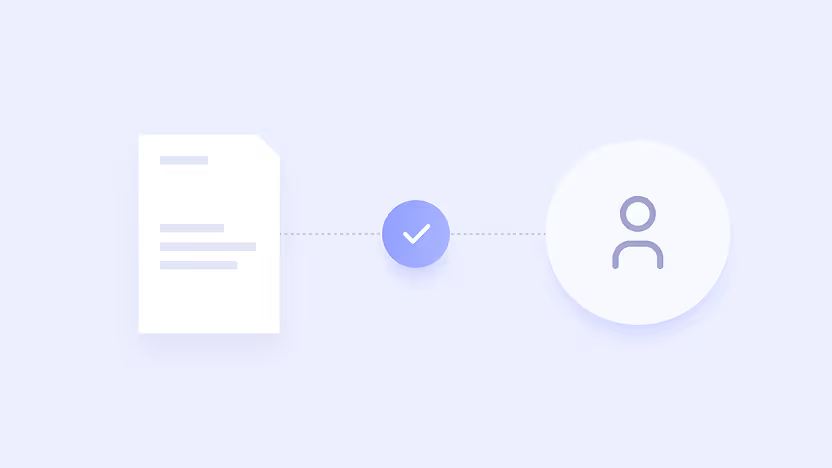
Illustration showing a document icon connected by a dotted line to a checkmark inside a circle, which is further connected to a user profile icon.

Governed control and consistency

All security documentation is managed, tracked, and shared intentionally – eliminating outdated files, oversharing, and visibility gaps.

View a Live Trust Center

How it works

Centralize Content in Your Own Branded Trust Center

Consolidate security documentation, certifications, and supporting evidence in your own branded Trust Center, keeping everything organized and current so buyers always see the latest approved information.
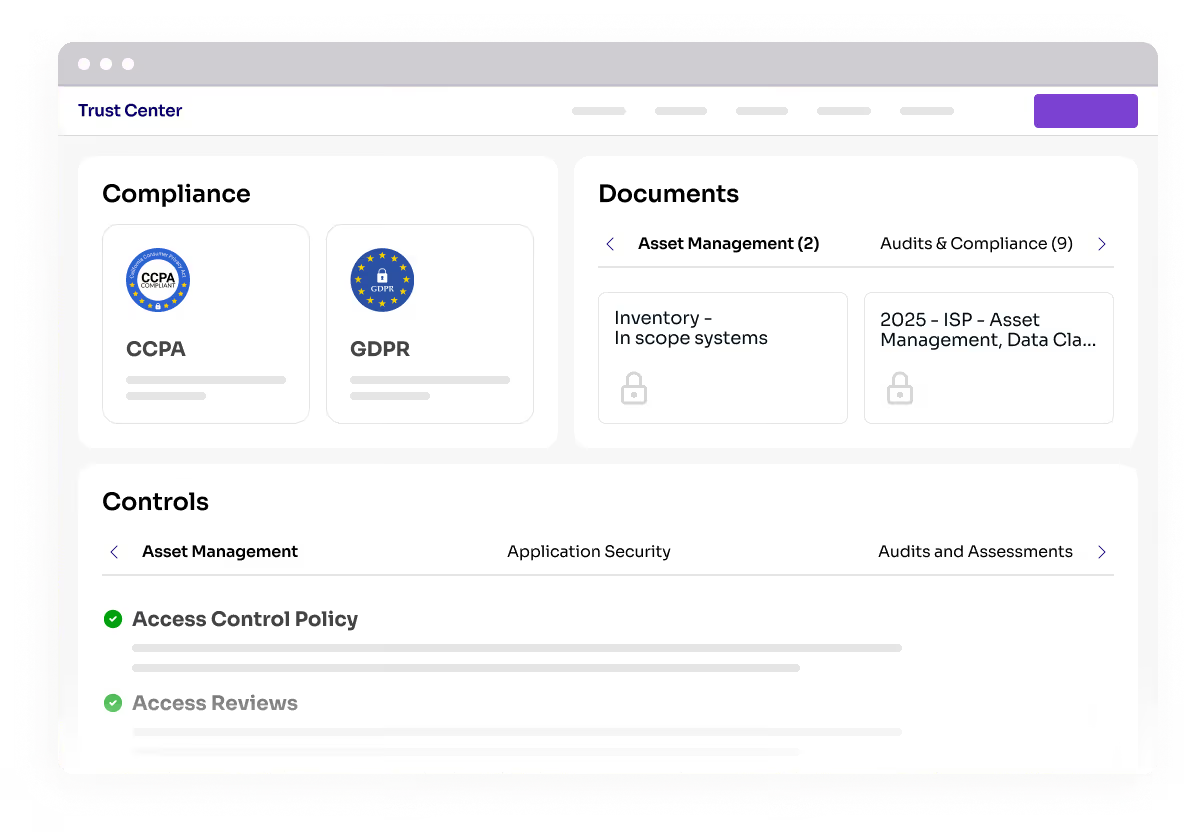
Trust Center dashboard showing Compliance with CCPA and GDPR badges, Documents tab with locked files under Asset Management and Audits & Compliance, and Controls section highlighting Access Control Policy and Access Reviews.

Set Access and Sharing Rules

Define how content is shared through your Trust Center and apply consistent access rules across buyers and reviews, including NDA-based access when required, reducing manual approvals while maintaining control.
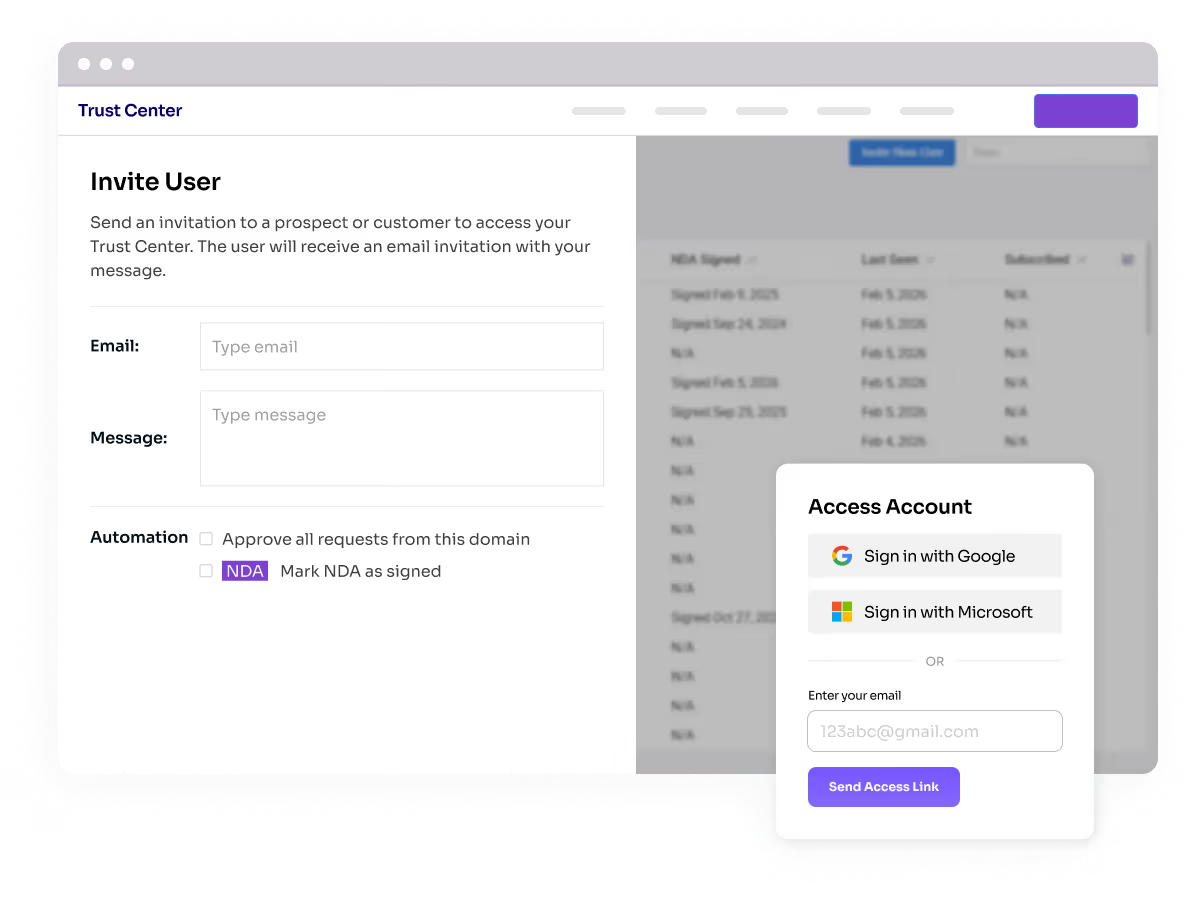
Trust Center interface showing an 'Invite User' form with email and message fields, automation options, and an Access Account login box offering sign-in with Google or Microsoft and email access link.

Provide Security Answers

Vendict generates security answers from the documentation you’ve shared with each prospect. Buyers can search the Trust Center or submit security questionnaires, with responses provided as AI-generated or human-reviewed based on your settings.
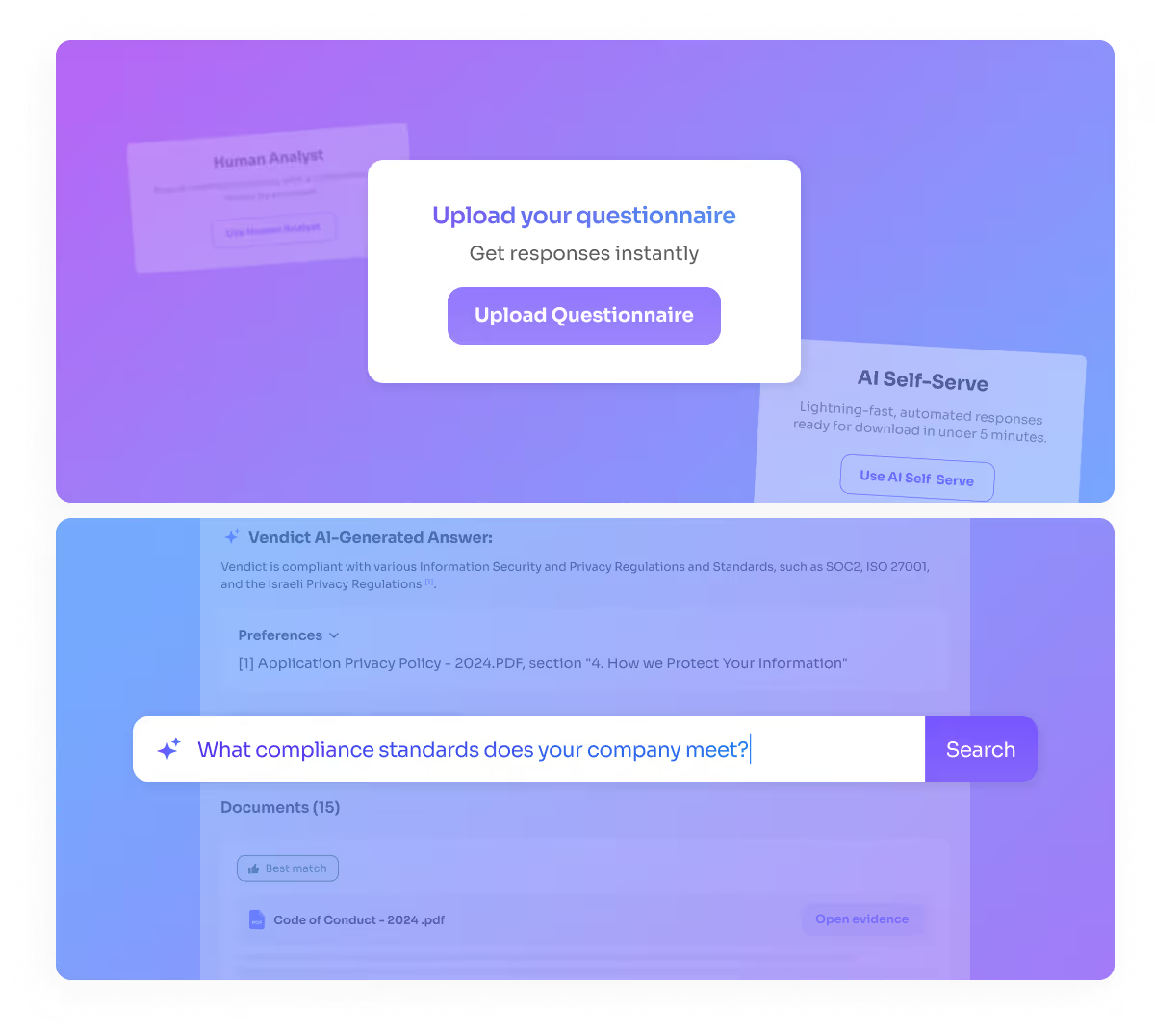
Interface showing an option to upload a questionnaire for instant responses and a search bar with the query 'What compliance standards does your company meet?'

Track Buyer Usage and Business Impact

Track buyer usage across your Trust Center, including content views and questionnaire submissions. A real-time dashboard powered by a Salesforce integration connects this activity to revenue, deal size, and won accounts, clearly showing how your Trust Center drives business revenue.
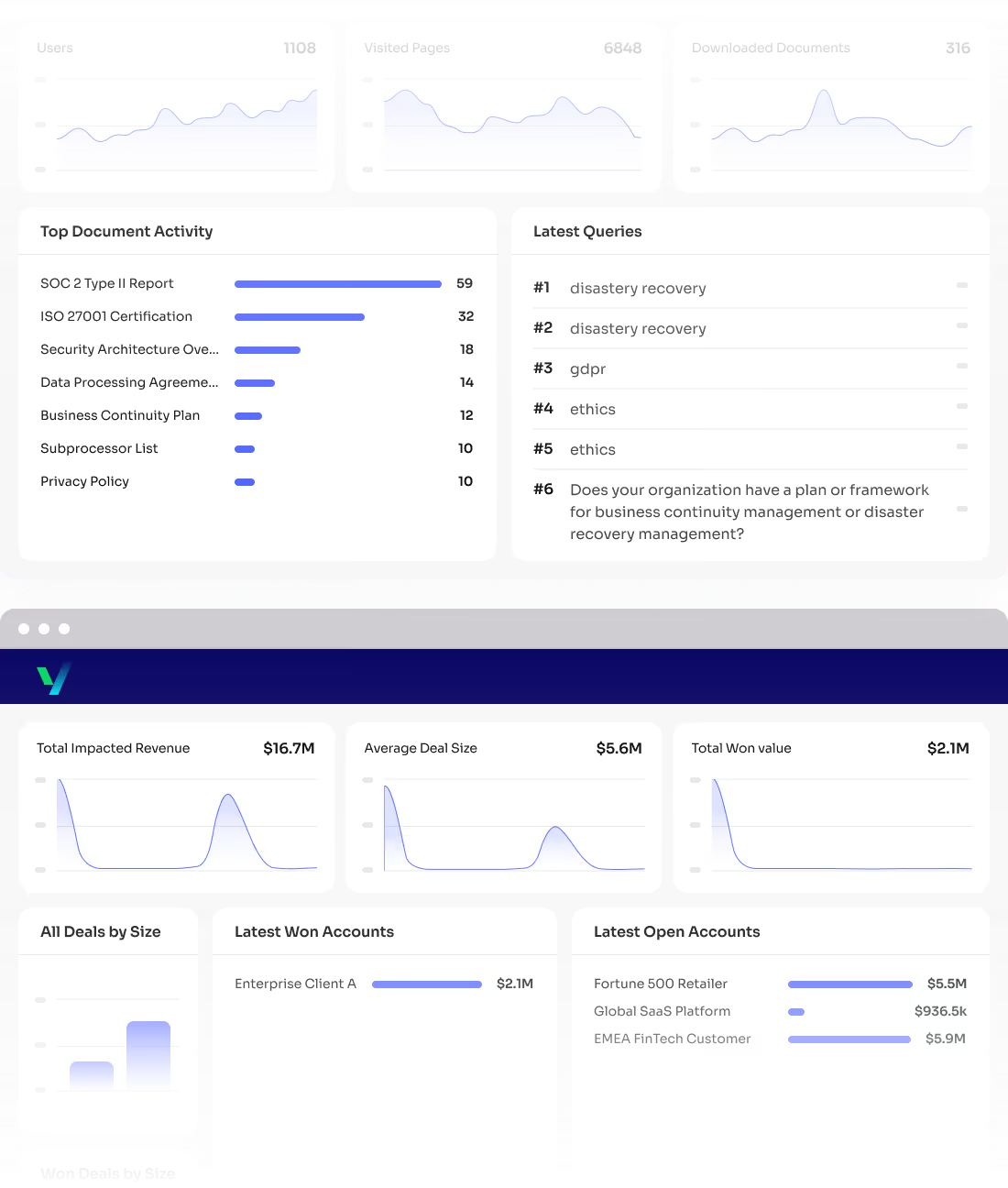

Dashboard showing user metrics with line charts for users (1108), visited pages (6848), and downloaded documents (316), top document activity bar chart, latest queries list, financial metrics graphs for total impacted revenue ($16.7M), average deal size ($5.6M), total won value ($2.1M), and bar charts for deals and accounts.
Launch Your Interactive Trust Center Free for 90 Days andAccelerate Every Security Review.
Request a Free Trial

Explore our customer’s trust centers

Get your own Trust Center

We use cookies to improve your experience, analyze site usage, and personalize content and ads. See our Privacy Policy for details.